
Docs · Quick prompt
Quick prompt
space docks a prompt bar at the bottom of the sidebar. The target follows the
cursor while the bar is open, and ↑↓ still navigate.
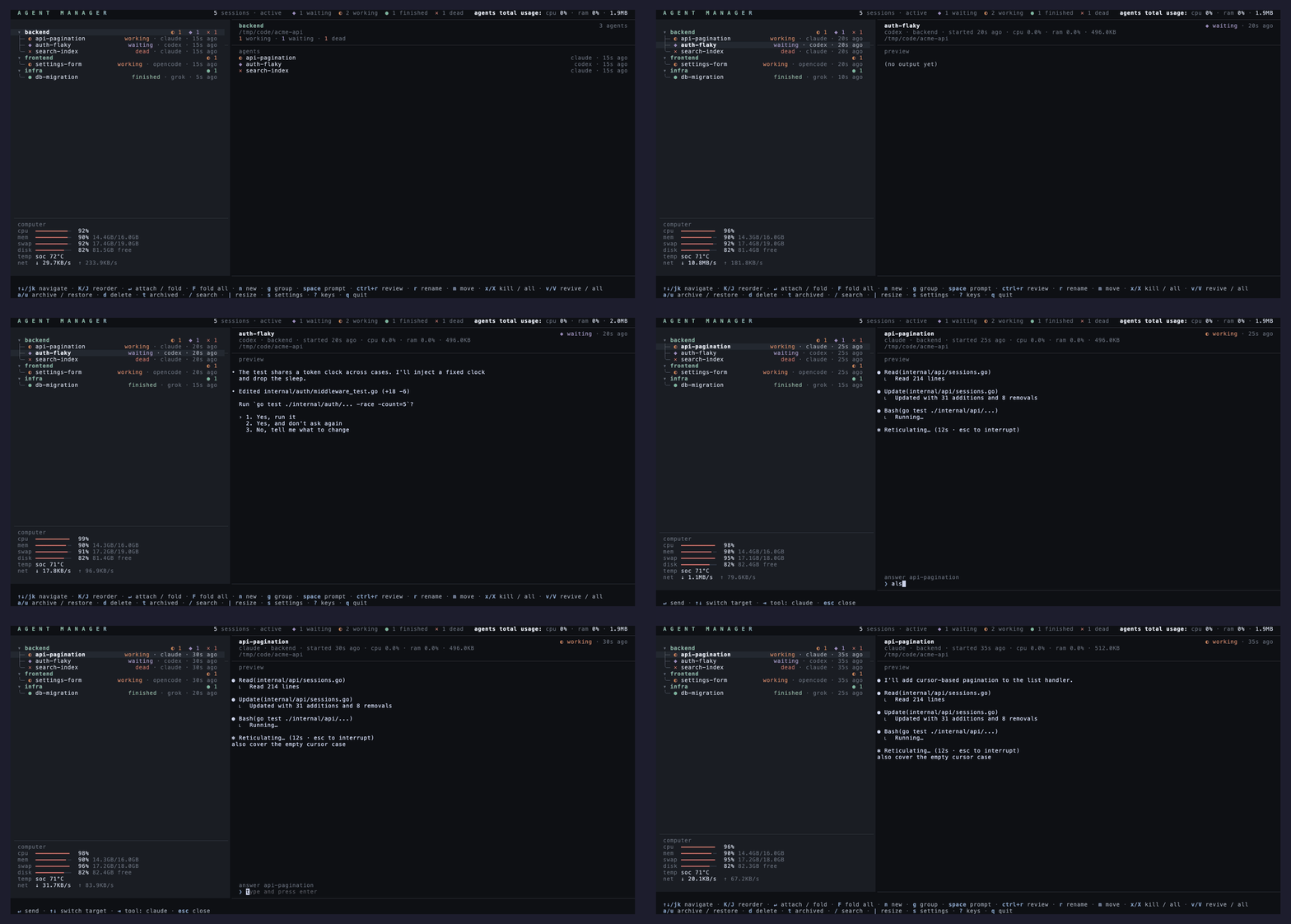
On a session row
enter sends the typed text straight into that session's pane, so the agent gets
it as a user message without you attaching. The bar clears and stays open, ready for the next
answer; settings can make it close instead.
On a group row
enter spawns a new agent in that group with the prompt embedded, using the
group's default path. The spawn tool starts at the settings default and tab
cycles it, with the footer showing the current pick. The agent starts on the prompt
immediately.
Pasting an image
ctrl+v pastes an image from the system clipboard as an [Image #1]
chip at the caret. The image is written under agent-manager-pastes in your temp
directory, and on send each chip is swapped back for its path, so the paths reach the agent
in the order and the places you pasted them.
backspace next to a chip removes the whole chip, and an edit that swallows one
releases its image. A clipboard holding text pastes as text.
Keys
| Key | Action |
|---|---|
| enter | Send into the pane, or spawn in the group. |
| ↑↓ | Retarget while the bar stays open, so three answers are three sentences. |
| tab | Cycle the tool a spawn will use. |
| ctrl+v | Paste a clipboard image as a chip. |
| backspace | At the start of the text, removes the nearest chip. |
| esc | Close the bar. |
A /slash command reaches the agent as a slash command; the self-naming directive
follows as its own message rather than mangling it. The new-session form's optional prompt
field launches an agent the same way, and tools whose CLI takes the prompt behind a flag
declare it with prompt_flag.